The End of Chatting with AI

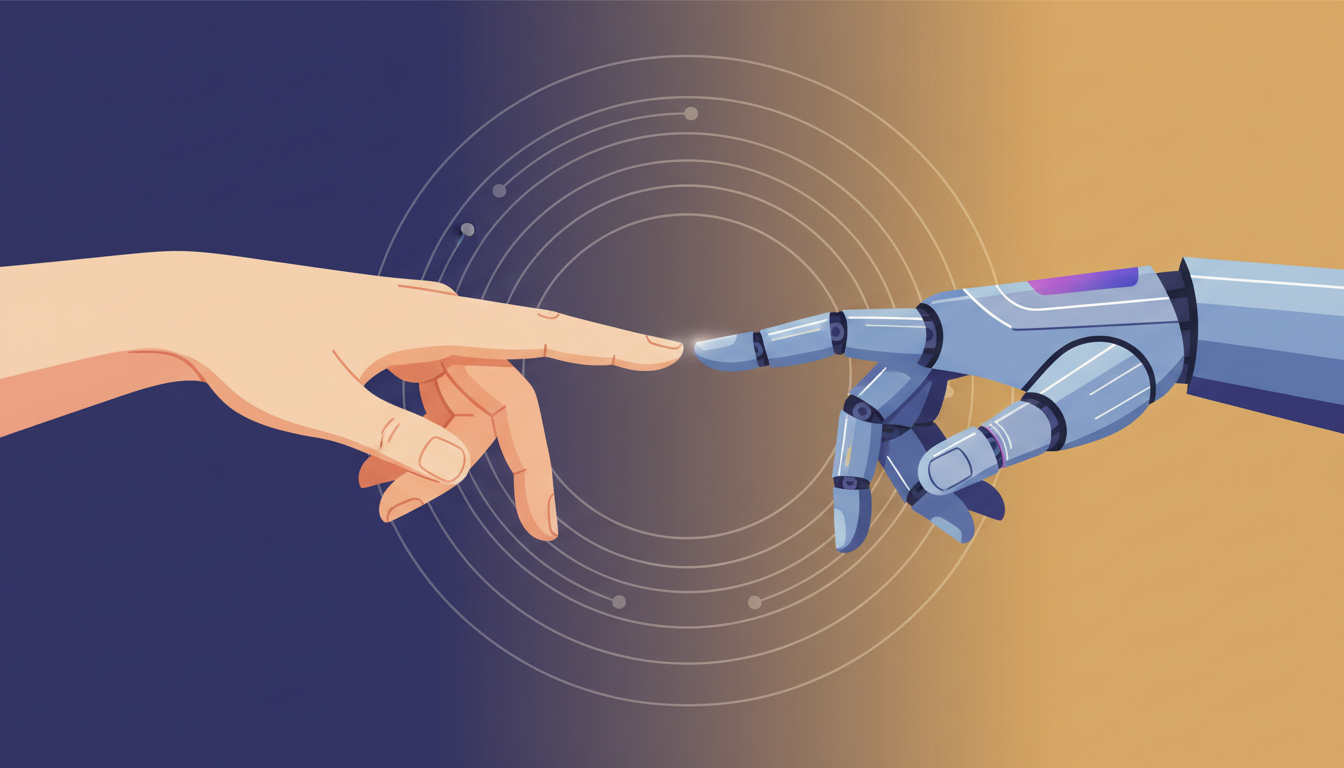
The era of the simple chatbot is over. Most users are currently trapped in a loop of basic prompts and mediocre outputs. But the real power resides in moving from talking to building. This shift represents the core of the AI Flywheel effect where learning and execution merge into one seamless process.
"The gap between those who just use AI and those who build with it is widening every single day."
You must stop treating AI as a search engine and start treating it as a technical co-worker. Therefore, the goal is no longer to get an answer, but to create a functional tool that solves a recurring problem. In fact, the act of building these tools provides a firmware update for your brain that makes future innovation easier.
Building a script to automate your data scraping or social media tracking is the ultimate learning hack. You aren't just saving time. You are mastering the underlying logic of modern software while the AI handles the heavy lifting. This is the only way to stay relevant in a market that moves at the speed of light.
Stop being a passive consumer and start becoming an active architect of your own productivity
Mastering the Digital Manual Transmission
Many people are intimidated by the sight of a terminal window. They see lines of text and think of 1990s hackers. However, the terminal is simply a manual transmission for your computer. While a graphical interface is easy, it restricts your control to the buttons someone else decided to give you.
- 1Open your terminal app (Command + Space, type 'terminal')
- 2Paste the installation command for Claude Code
- 3Authenticate your account to link your local files
- 4Grant the necessary permissions for file manipulation
Claude Code differs from the web app because it removes the middleman. You no longer have to copy and paste code blocks into a separate file. Instead, the AI operates directly on your machine. It can create directories, write scripts, and even debug its own errors in real-time while you watch.
ここからが大事な
ポイントです
具体例・注意点・明日から使えるヒントを整理しています。
✨無料閲覧で全文 + 図解の完全版を3日間いつでも読み返せる
あなたの好きな動画も、
1〜2分でAI要約
📚 お気に入り保存 + ✨ あなたの動画をAI要約
(無料登録10秒)
✏️ この記事で学べること
- ▸AI 「」「」
- ▸Claude Code
10秒で完了・パスワード作成不要