The Architecture of a High-Performance Research Ecosystem
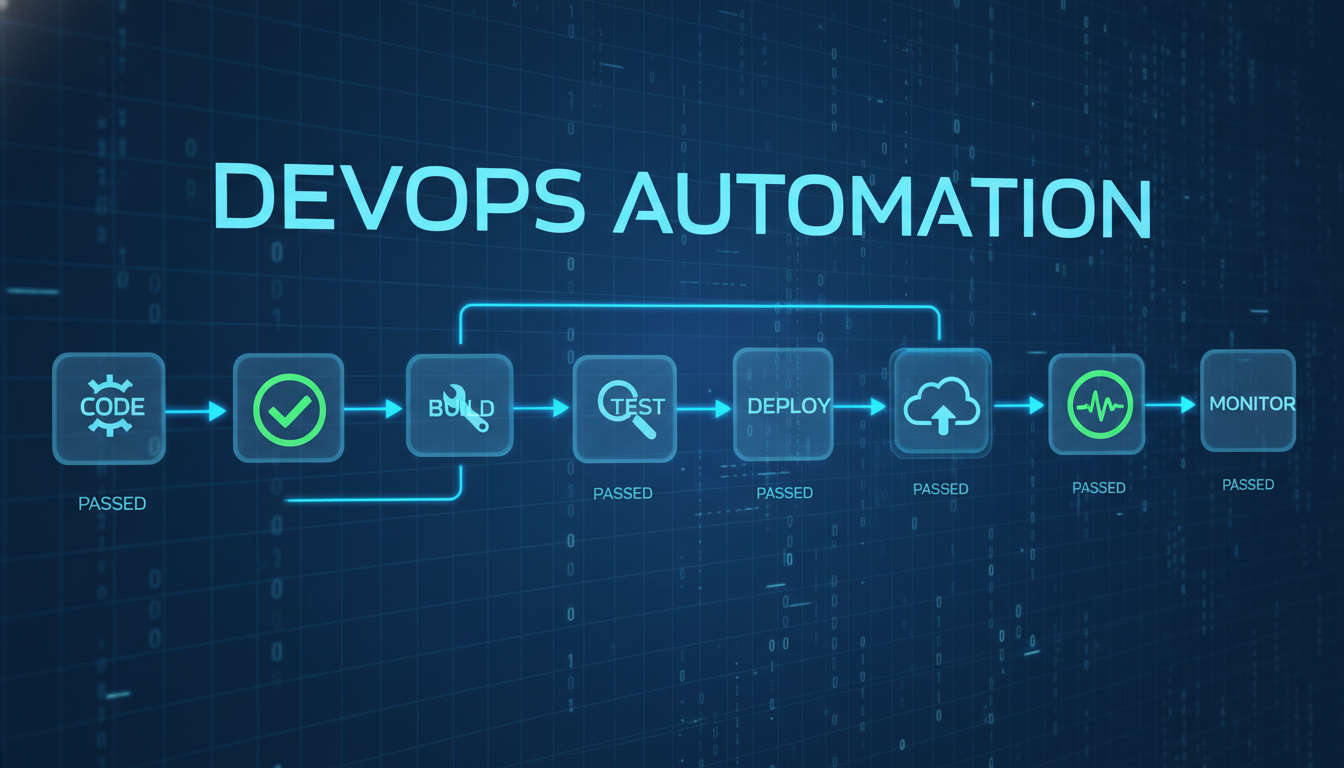
In the rapidly evolving landscape of artificial intelligence, the true competitive advantage lies not in using individual tools, but in the sophisticated orchestration of a multi-tool ecosystem. By combining Claude Code, NotebookLM, and Obsidian, professionals can move beyond simple chat interactions and enter a state of high-efficiency automation known as 'God Mode.' This workflow is designed to handle the heavy lifting of information gathering and synthesis, allowing the user to focus on high-level decision-making.
At the center of this setup is Claude Code, acting as the primary execution engine. It manages the logic of the workflow, coordinating between various plugins and external services. Unlike standard browser-based interfaces, the command-line nature of Claude Code allows for deeper integration with local file systems and developer tools, which is essential for building complex pipelines. This level of control is what makes it the ideal 'conductor' for the research symphony.
By leveraging the Skill Creator, users can define custom behaviors that Claude Code executes autonomously. This removes the friction of manual data entry and repetitive prompting. Instead of performing five different steps to find and summarize information, you create a single 'Super Skill' that handles the entire sequence from start to finish. This is the hallmark of a truly optimized digital workspace.
| Component | Strategic Role | Operational Benefit |
|---|---|---|
| Claude Code | Central Controller | Orchestrates skills and local file management |
| NotebookLM | Heavy Processor | High-context analysis with zero token cost |
| Obsidian | Knowledge Vault | Long-term memory and preference refinement |
Automating Knowledge Acquisition with Skill Creator

The foundation of any automated workflow is the ability to program repeatable actions. In this ecosystem, the Skill Creator serves as the bridge between human intent and AI execution. By defining a skill that utilizes tools like yt-dlp for YouTube data extraction, you enable Claude Code to fetch structured data without leaving the terminal. This approach is significantly faster than traditional search methods and ensures that the data is ready for immediate processing.
Creating these skills is a conversational process. You describe the desired outcome—for example, 'Search YouTube for the top five Model Context Protocol servers'—and the Skill Creator generates the underlying code logic. This democratizes the creation of complex automation, allowing users without extensive programming backgrounds to build professional-grade AI agents that perform specific roles within their business operations.
ここからが大事な
ポイントです
具体例・注意点・明日から使えるヒントを整理しています。
✨無料閲覧で全文 + 図解の完全版を3日間いつでも読み返せる
あなたの好きな動画も、
1〜2分でAI要約
📚 お気に入り保存 + ✨ あなたの動画をAI要約
(無料登録10秒)
✏️ この記事で学べること
- ▸Claude Code
- ▸NotebookLM
10秒で完了・パスワード作成不要