The Evolution of the Second Brain: Why Manual Systems Fail

Many professionals struggle with the 'productivity app graveyard.' Systems like Notion, Evernote, and Apple Notes often start with high energy but eventually become disorganized dumping grounds that users forget to maintain. The primary obstacle is the high cognitive load required to categorize, tag, and update information manually. Obsidian offers a powerful local-first alternative using markdown files, but its true potential is only unlocked when the manual labor of organization is offloaded to an intelligent agent. By combining the local file control of Obsidian with the reasoning capabilities of Claude Code, users can finally build a system that stays relevant and accessible without constant manual upkeep.
Traditional note-taking often fails because the structure is static while the user's life is dynamic. When you have a new idea or task, the friction of finding the right folder or applying the correct tag often leads to 'orphan' notes that are never seen again. Claude Code acts as the bridge, listening to plain English instructions and navigating the complex folder structures of your vault on your behalf. This transformation shifts the user's role from a 'file manager' to a 'knowledge architect.'
Obsidian provides a unique visual representation through its Graph View, which maps the semantic connections between different thoughts and projects. When integrated with AI, this graph becomes more than just a visualization; it becomes a navigable map that the AI can use to find contextually relevant information from years ago. This creates a 'living' knowledge base where every new piece of information strengthens the existing network of ideas.
| Feature | Manual Obsidian Usage | Claude Code Powered Obsidian |
|---|---|---|
| Data Organization | Manual tagging and folder moves | Automated semantic categorization |
| Information Retrieval | Search by keyword/filename | Natural language context queries |
| System Maintenance | High effort, prone to abandonment | Low friction via CLI automation |
| Data Synthesis | User must summarize documents | AI-driven distillation and 'cheat sheets' |
Architecting Your Digital Vault with Obsidian and Claude Code
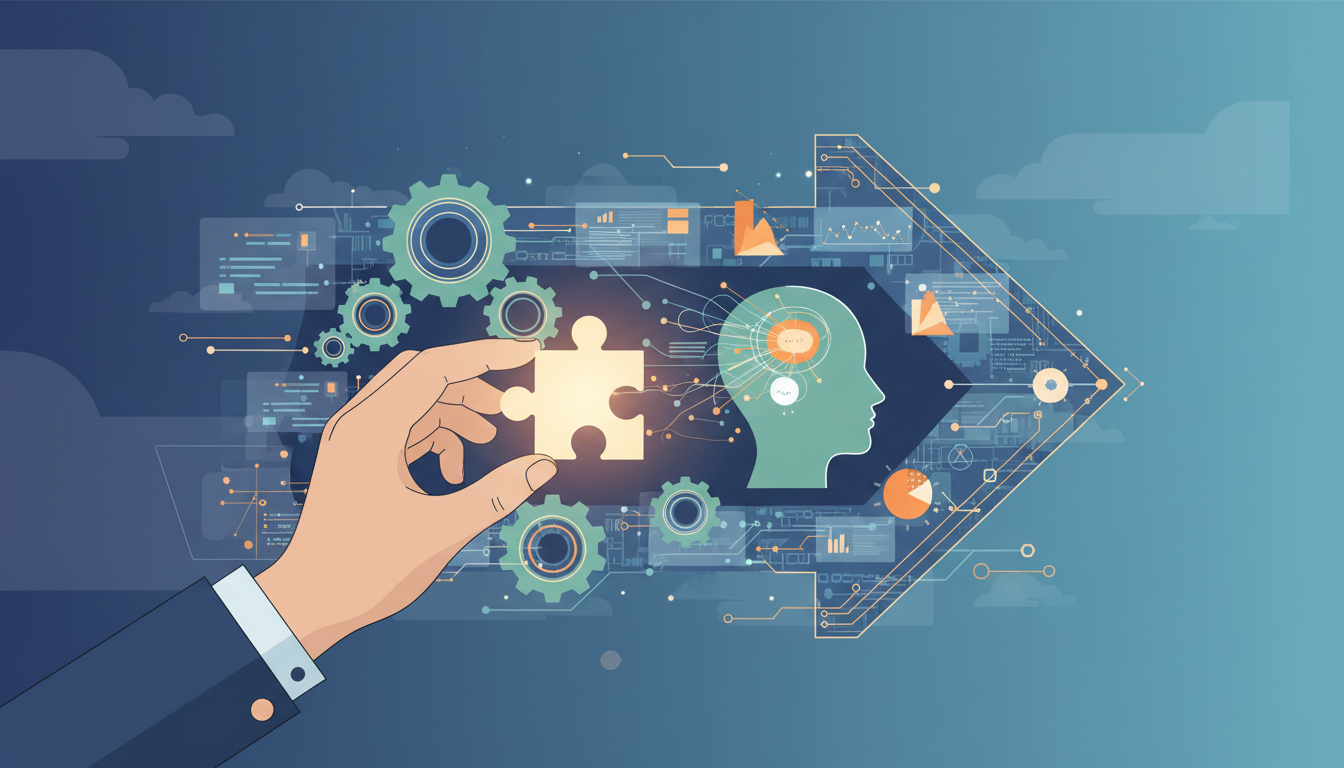
The foundation of a successful digital brain is the Vault Setup. Instead of spending hours debating folder structures (e.g., PARA vs. Zettelkasten), Claude Code can initialize a 'Life OS' based on a short interview about your professional and personal requirements. By answering simple questions about your work, what usually 'falls through the cracks,' and whether you want to include personal life tracking, the AI generates a customized directory structure that evolves with you. This removes the 'blank page' syndrome that often stops people from starting their PKM (Personal Knowledge Management) journey.
Obsidian’s Command Line Interface (CLI) is the critical technology that enables this automation. With over 95 accessible commands, the CLI allows Claude Code to programmatically create files, manage bookmarks, and delete redundant data without the user ever touching the mouse. The AI can 'onboard' itself to these commands, understanding how to leverage the full functionality of the Obsidian ecosystem through a terminal environment. This level of control is what separates a simple chat-bot from a truly integrated digital assistant.
ここからが大事な
ポイントです
具体例・注意点・明日から使えるヒントを整理しています。
✨無料閲覧で全文 + 図解の完全版を3日間いつでも読み返せる
あなたの好きな動画も、
1〜2分でAI要約
📚 お気に入り保存 + ✨ あなたの動画をAI要約
(無料登録10秒)
✏️ この記事で学べること
- ▸AI
- ▸CLI
10秒で完了・パスワード作成不要